Administrative Console Record Locks Screen
Setup
To demonstrate how the Administrative Console can display and control some record locks, the Hotel sample application can be utilized.
Well using Hotel I can see shared locks on some of the functions like room activation and checkout, but I'm not sure where EXCLUSIVE-LOCK may show up. At least in the case of shared locks, I don't see any choices for 'force release'. See the progression below.
Dropdown the console and choose record locks.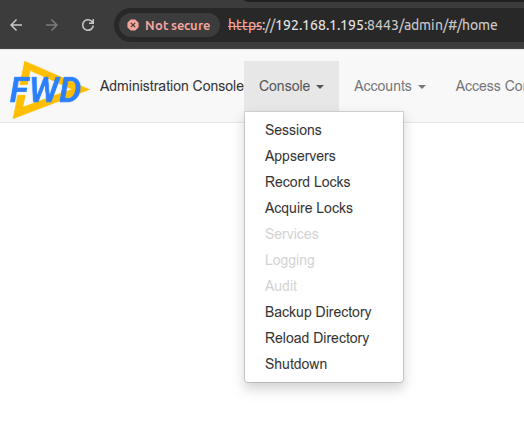
The main screen is blank, unless there was already activity in the application.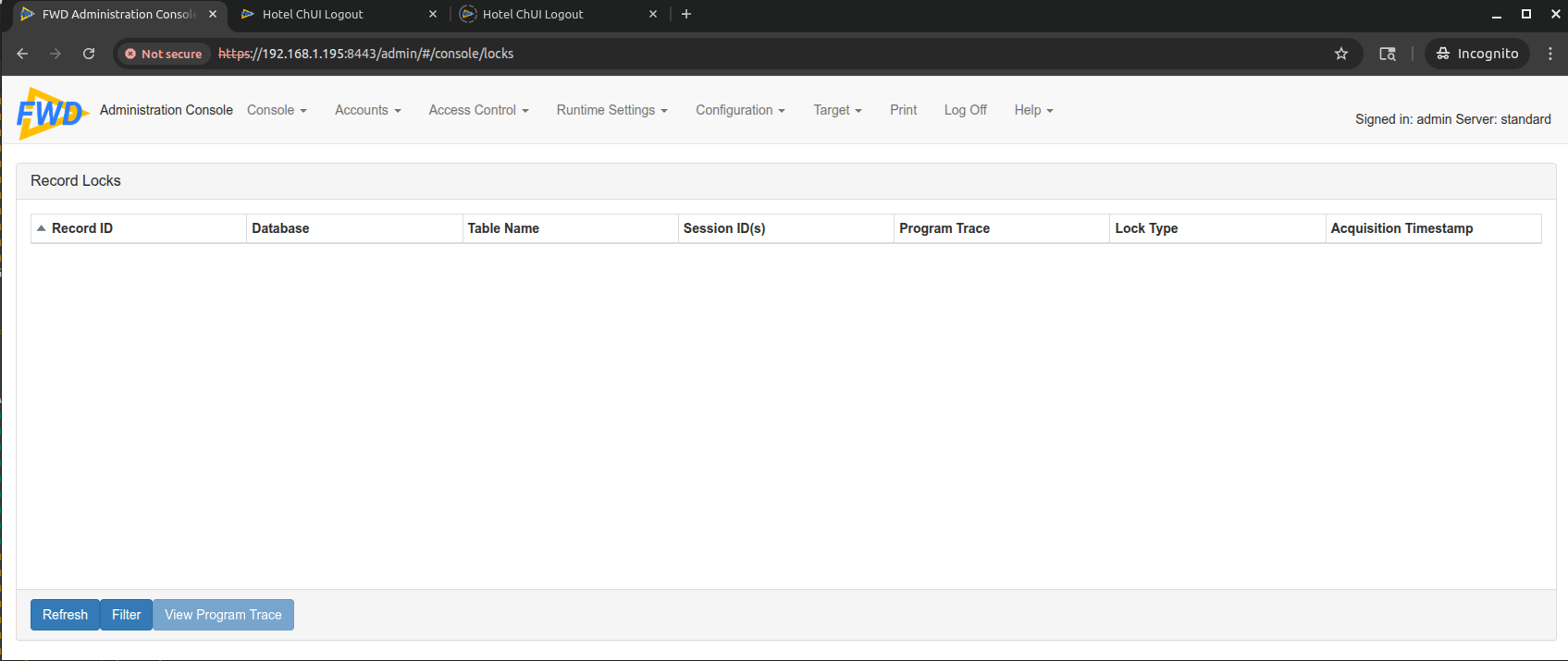
In the app, I went in to Rooms->Activate, and we get a lock.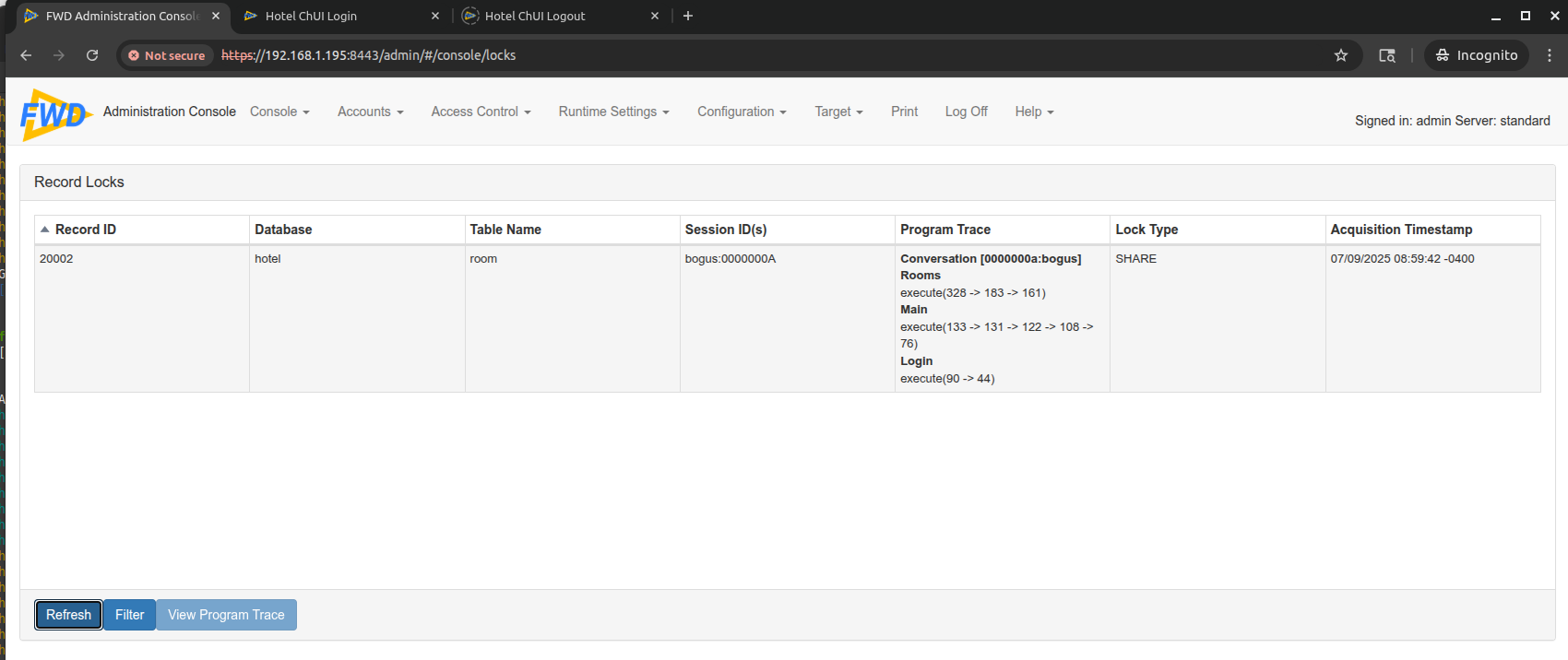
Just for fun, highlighted the lock, and view program trace.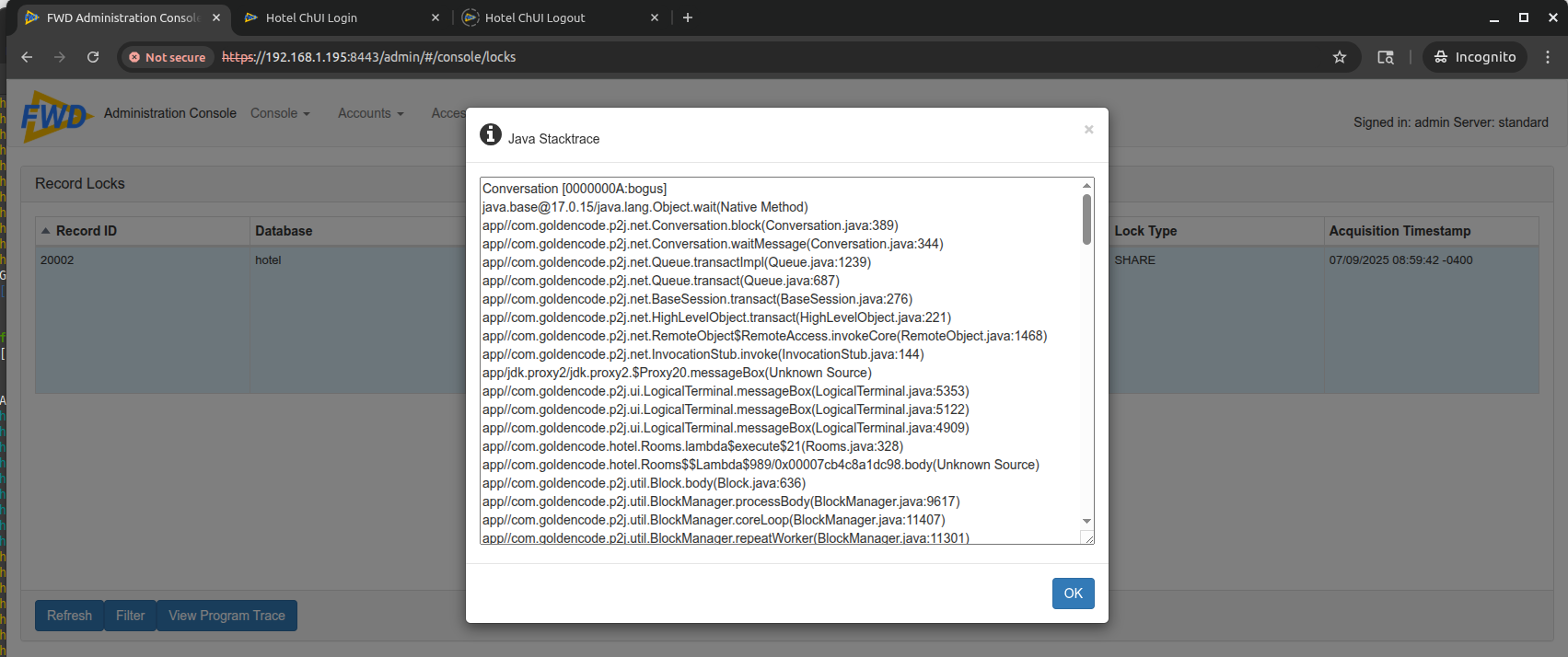
In a second app, perform checkout and there are 2 locks.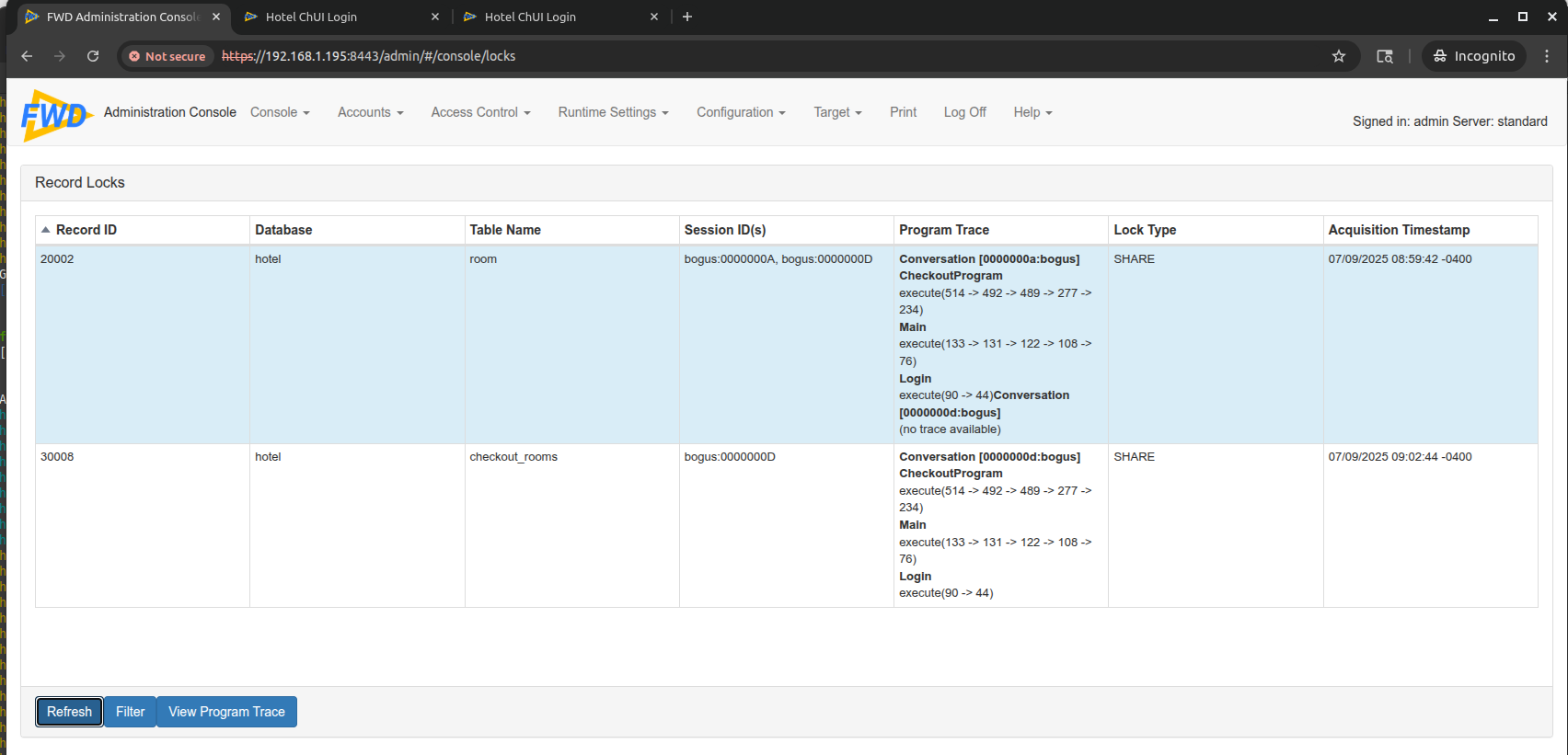
If you choose Acquire locks from the Console dropdown, there are options for manipulating.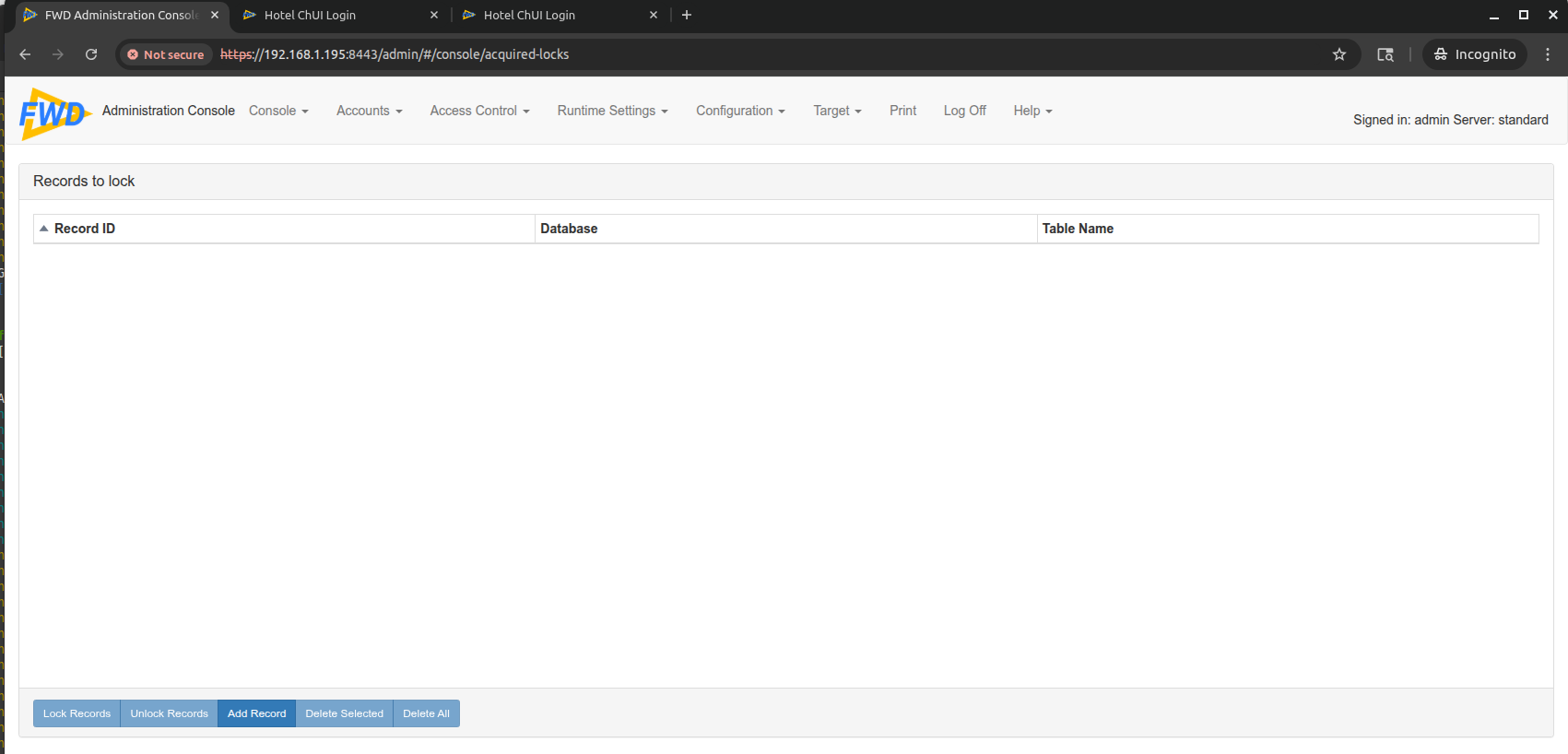

© 2025 Golden Code Development Corporation. ALL RIGHTS RESERVED.